Self-paced LinkedIn profile course
Give me the whole system.
I’ll do it myself.
The method I use with private clients, built so you can work through every section of your profile on your own schedule.
One-time payment. Lifetime access, including future updates.
You don’t need to become a LinkedIn expert.You do need to do the work.
Maybe you’ve tried to fix your profile already. You made it current. You made it sound professional. You still don’t love it.
Or maybe you haven’t started, because “explain your entire professional life in a headline” is a deeply unhelpful place to begin.
We’re going to start somewhere else.
Optimize gives you a way to work through what you’ve done, recognize what matters, and decide what someone should understand about you. Then we build the profile around that. On your schedule. Pause to implement. Come back when something changes.
If you like knowing why you’re doing something, and you actually finish things when nobody’s watching, this is your version.
If you’d rather have someone else’s eyes on your profile while you build, look at Optimize Lab.
Watch a little. Work on your profile.Repeat.
This isn’t a course you watch all the way through and then try to remember.
For each section, I explain its job, what people usually miss, and how to use it for what you want your profile to do. The examples show you what that looks like. The worksheets help you work through your own material. The AI prompts let you use AI inside the framework, instead of asking it to invent a professional identity for you.
Then you go to your profile and do the work. Sometimes that means adding something you never thought to include. Sometimes it means finally letting go of something you’ve been dragging around for years.
The question isn’t just “Does this sound good?” It’s “Does this help the right person understand me, and does it support where I want to go next?”
Every section has a job.Here’s the order we build them in.
Before the build, we cover strategy and setup: your goals, personal branding, keywords, using AI, what to measure, gathering your assets, and navigating LinkedIn.
Then we work from the bottom of your profile to the top. Evidence first. Narrative last.
- 1
Quick Wins
Intro section
Your name, headshot, contact information, LinkedIn URL, and the practical details that make your profile professional, complete, secure, and easy to find.
- 2
Sections You Probably Ignored But Shouldn’t
Causes · Organizations · Languages · Test Scores · Honors & Awards · Courses · Patents
The stuff that gets overlooked because it doesn’t feel like “work experience.” Some of it tells people more about you than another paragraph of responsibilities ever could.
- 3
Media & Accolades
Publications · Recommendations
Your writing, published work, and what other people say about you. What deserves to be visible, and how to make it useful.
- 4
Supporting Evidence
Volunteering · Projects · Licenses & Certifications · Education
The project you almost left out. The work you did without a paycheck. The credentials that give your expertise context.
- 5
Experience
Every kind of role
Employee, founder, freelancer, student, board member. Show what mattered in each role, instead of filling every box with responsibilities.
- 6
Highlights
Featured · Services
Give people somewhere to go: work, resources, or ways to engage with you that support what your profile is for.
- 7
The Culmination
About · Headline · Banner
Now we have something to say. Your competitive advantages, what makes you interesting, and the promise you make to your audience.
- 8
The Glue
Skills
We finish by connecting your skills to the profile you’ve built, so they reflect what’s there and support the work you want next.
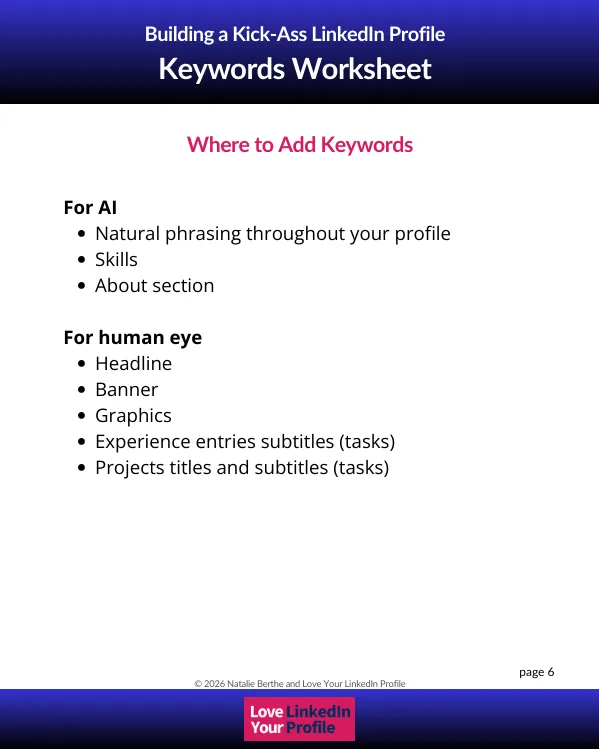
Throughout, we build for AI and the human eye. One gets you found. The other gets you chosen.
Take a peek inside.
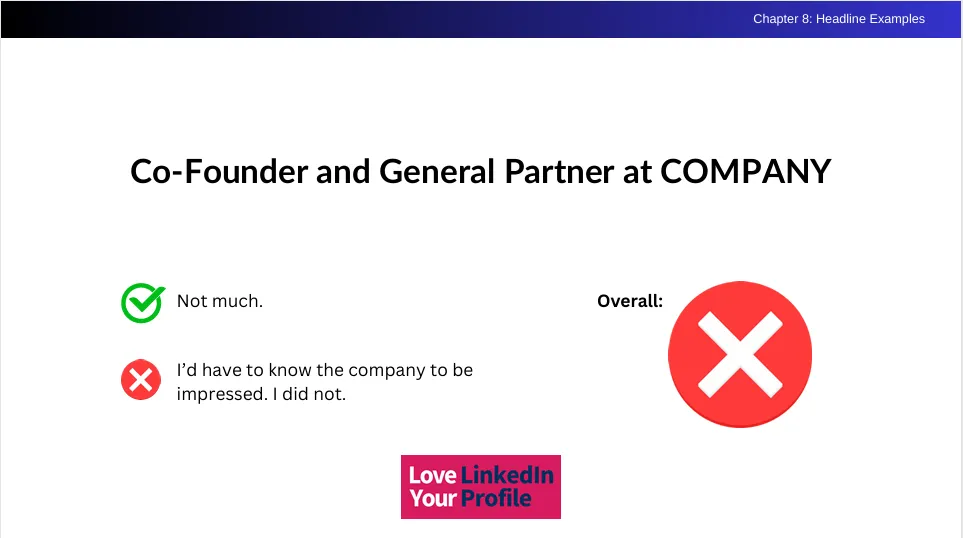
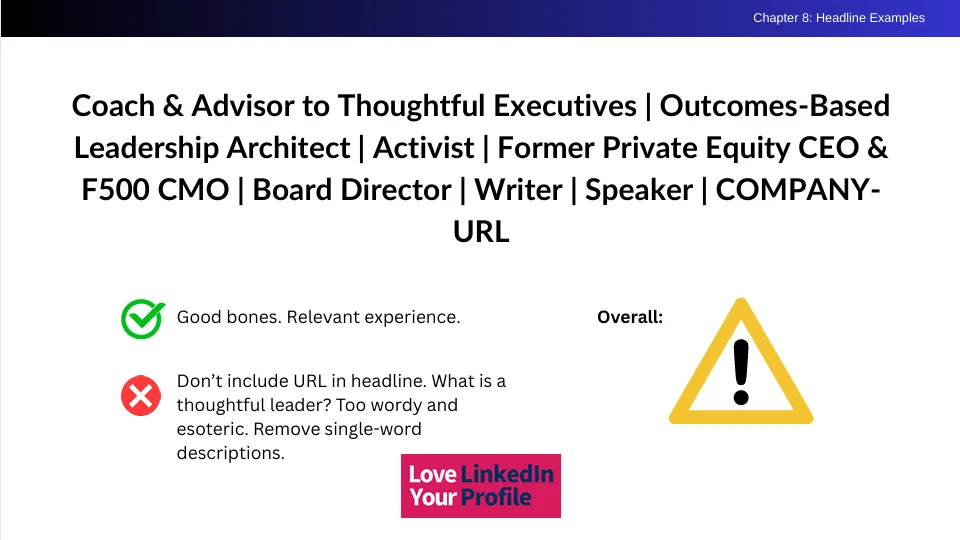
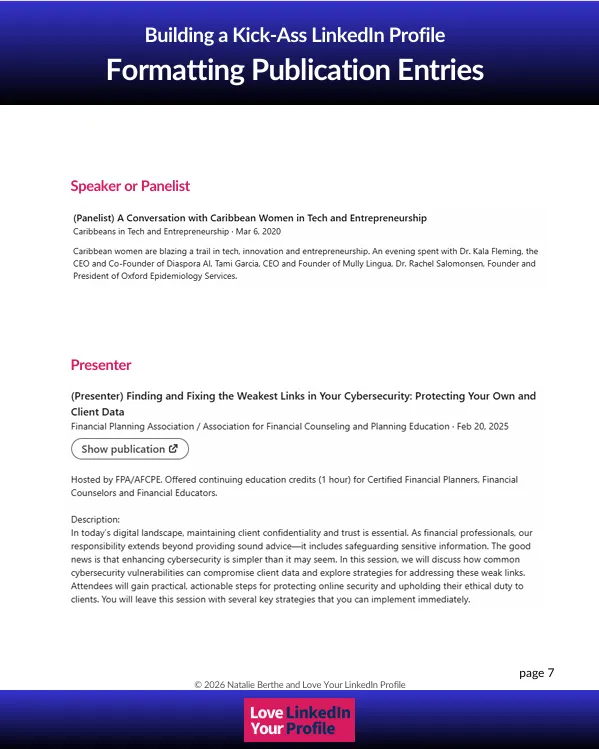
Real pages from the course. Yes, I really do review headlines like this.
He thought he already knew LinkedIn.
Leonard Goffe reviewed the book, then tried Optimize. He considers himself an advanced LinkedIn user.
“What surprised me was how long it took me to complete it. Not because it was difficult, but because every few minutes, I found myself going back to my own LinkedIn profile and improving yet another section.
I do consider myself a fairly advanced LinkedIn user, and I still learned so much. The improvements I made were remarkable. I believe my profile stands out much more than it did before.”
Leonard Goffe · Yet Another Book Review · YouTube · Watch the full review →
The same framework runs the private work.
A medical professional got a job offer while her profile was still in progress. A consultant was contacted about a speaking opportunity before we finished. An entrepreneur came home from a workshop with more than a dozen connection requests.
Those are private-client stories. They show what has happened when we applied this framework together, not what I can promise a course will do.
The whole framework, on your schedule
Optimize
- The bottom-up method I use with private clients, section by section
- What belongs, what doesn’t, and why
- 50+ videos and dozens of real profile examples
- Worksheets, action plans, AI prompts, and templates
- Lifetime access, including future updates
The examples and templates show you your options. They aren’t a personality to copy. What goes on your profile still has to be yours.
$397
Get Optimize →I built the course I wanted to find.
When I went looking for help with my own LinkedIn profile, I kept finding advice that didn’t help me think. What goes in this section? Why? What if my career doesn’t fit the example? How do I make all these different things make sense?
I’m a strategist by trade and a problem solver by nature. So I figured it out. Then I used the framework with clients, wrote Love Your LinkedIn Profile, and built Optimize.
I want you to understand the decisions you’re making. Because it’s your profile, and you should recognize yourself in it.
Before you enroll.
Is Optimize complete on its own?
Yes. You get the full framework, video instruction, examples, and resources to work through your profile yourself. You don’t have to buy anything else to get the rest of it.
Live feedback and private sessions aren’t included. If you want someone else’s eyes on your profile, Optimize Lab and The Authority Protocol offer that in different ways.
Do I have to follow the course in order?
You can access any video at any time.
I recommend the bottom-up order because it gathers the evidence before you write the top of your profile. But if a section is calling to you, start there and come back to the rest.
Can I use AI with the course?
Yes. The course includes guidance and prompts for using AI.
The framework helps you decide what to give it and what you’re trying to say. AI can help you articulate your material. It can’t include the interesting thing you never told it about.
How long do I have access?
Lifetime access, including future updates. Come back when you change direction, add something important, or want to revisit a section.
Is this only for people looking for a job?
No. Consultants, executives, founders, business owners, career professionals, students, and recent graduates all use it.
Your profile’s job depends on what you want next. We build around that.
Does Natalie review my profile?
Not as part of Optimize.
If you want a personal recorded review of what’s working, what’s hurting your profile, and where to focus first, that’s the Profile Audit. If you want someone else’s eyes on your profile while you build it, look at Optimize Lab. For private co-creation, there’s The Authority Protocol.
Does the course cover posting, messaging, and outreach?
Optimize focuses on building your profile. It isn’t a posting schedule, a DM script library, or an outreach course. We’re working on what people find when they look you up.
Will this get me clients or a job?
I can’t promise what someone else will do after they read your profile.
The course gives you the framework to make your work, expertise, personality, and direction easier to understand. You still have to apply it, and keep doing the networking and professional work that support your goals.
You’ve done the work.
Let people see it.
Start with the evidence. Work through the sections. Give the interesting stuff somewhere to go.
Get Optimize · $397