
LinkedIn's AI is reading your posts. Here's what gets you flagged.
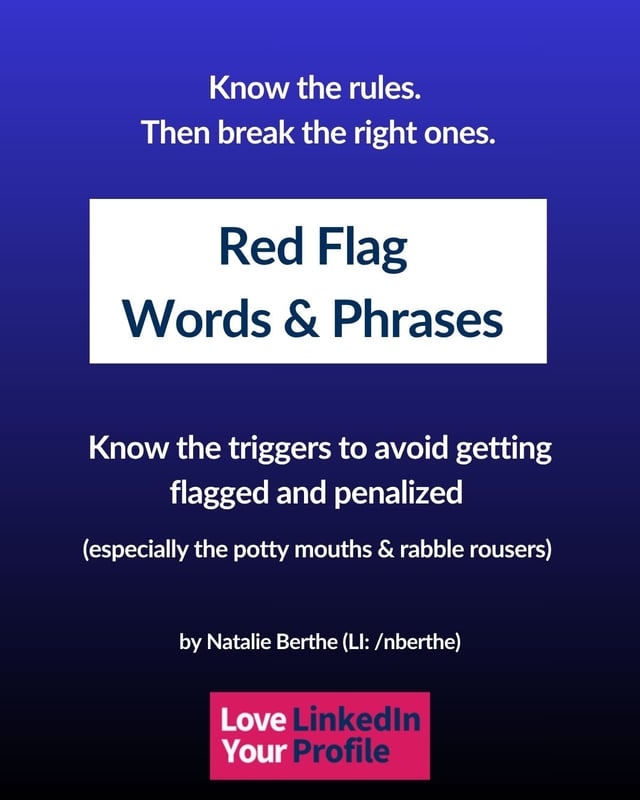
The words and phrases that trigger LinkedIn's moderation, tank your reach, or get your post pulled entirely. Five categories, safer swaps for each one, and the 100-character rule most people learn the hard way.
You wrote something good. You hit post.
And then...nothing happened.
No likes. No comments. No reach. Your post didn't bomb because it was bad. It bombed because LinkedIn's AI flagged a word in your first sentence and quietly buried it.
No notification. No warning. No "hey, we pulled your post." It just...disappears.
Or worse: you get the popup. "Are you sure you want to post this?" Your comment contains language that's been previously reported.
(Previously reported by whom? For what? Not very helpful, LinkedIn. Not helpful at all.)
Here's what nobody tells you: LinkedIn's moderation AI doesn't read context. It reads keywords. And it scans the first 100 characters of every post like a hall monitor with a grudge.
If you're someone who talks about discrimination, inequity, workplace culture, funding gaps, or anything remotely spicy, this affects you more than someone posting about quarterly OKRs.
You can be condemning racism and get flagged for typing the word.
You can write about the funding gap for female founders and watch it vanish because the AI saw a word it didn't like and assumed the worst.
The people trying to have the most important conversations are the ones getting silenced first.
(And the actual spam accounts? Somehow fine. Don't even get me started.)
What's inside
Five categories. Dozens of triggers. Safer swaps for every one.
Know what to avoid before you hit post, not after it's too late.
-
Red flag 1
Profanity
Even the FCC doesn't police half these words. LinkedIn does. (Yes, LinkedIn is kind of prude.) Even mild ones can tank your reach if they're in your opening line. And if you like to use spicy words? Egads. You're cooked.
-
Red flag 2
Explicit and Sexual Content
Even with asterisks, LinkedIn's AI catches these. They're tied to both solicitation and harassment policies, so context doesn't help.
-
Red flag 3
Harassment and Discrimination
This is the one that silences the people who need to be heard. Words get flagged in any context, even if you're condemning the thing the word describes.
-
Red flag 4
Violence and Threats
Metaphors and satire count. "Killing it" is fine in conversation. LinkedIn's AI isn't sure.
-
Red flag 5
Adult Transactions and Money
If LinkedIn's AI suspects fraud, scams, or solicitation, you're flagged. The irony of a pay-to-play platform policing income claims is...not lost on anyone.
Plus the 100-character rule, why asterisks and emojis won't save you, and what actually happens when a human reports your post.
LinkedIn's AI likely only reviews the first 100 characters of a post.
That's where the moderation lives. That's where the flags fire. Your spiciest line can exist in a post. It just can't be the first thing the algorithm reads.
The guide breaks down exactly how this works and what to do about it.
Grab it if:
- 🔹 You've had a post pulled or suppressed and nobody told you why
- 🔹 You talk about topics that make LinkedIn's AI nervous
- 🔹 You've gotten the "Are you sure?" popup and wondered what triggered it
- 🔹 You occasionally swear in your posts and want to keep doing it without tanking your reach
Skip it if you never say anything remotely controversial. If your posts are about project management best practices and team synergy, you're probably safe.
(But if you've ever wanted to call a bad take what it is and stopped yourself...this is for you.)
Natalie BertheLinkedIn Strategist & Author
I wrote Love Your LinkedIn Profile, I built the Optimize course, and I work with private clients one-on-one.
I've also had posts removed, gotten the warning popup, and spent 30 days recovering my LinkedIn trust score. This guide is what I learned.
(The LinkedIn version of this content was SFW. This one is not.)
What's the catch?
There isn't one. It's fifteen pages, it's free, and it might save your next post from vanishing.
You'll get on my email list, where I write about what's actually working on LinkedIn and occasionally get annoyed about bad advice in public. Leave any time, no hard feelings.
Stop guessing what got you flagged.
categories, dozens of triggers
characters that decide it
straight to your inbox